
Resolving crash issues
This is a generic guide with resolutions to solve issues. Following the below instructions will fix a good amount of them, in the case that they dont, please scroll to the bottom of this guide and contact our technical support team.
Resolutions
Windows stuff
- Verify the integrity of your Windows installation to ensure that you are not missing any necessary files.
- Ensure that you are not on Windows Insider Edition
Driver updates
VCRedist Repair/Install
- Take a look at our guide to reinstall VCRedist here!
General solutions
- Try launching the game as Administrator
- open steam -> library -> right click SCP:SL -> manage -> browse local files -> right click SCPSL.exe and click "run as admin"
- Switch the game branch to another available, then back to the one you want.
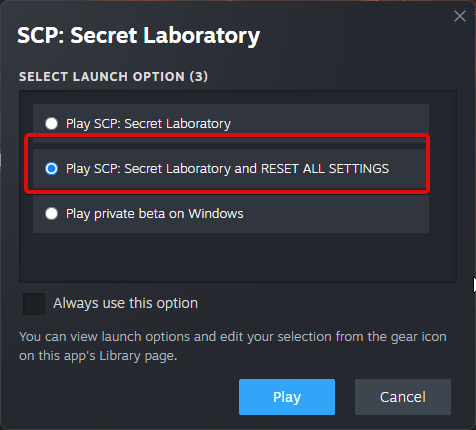
- We recommend taking a look at our other doc here!
I still have issues!
Please contact our technical support team here