
Resetting game registry in Windows
Steps
This can be helpful if you are unable to resetget into the game, and need to change certain settings that cause crashes, for example, screen type or resolution being set too high. The methods below are specifically meant to help with changing the screen type, refresh rate, and resolutions which help with the game registry:
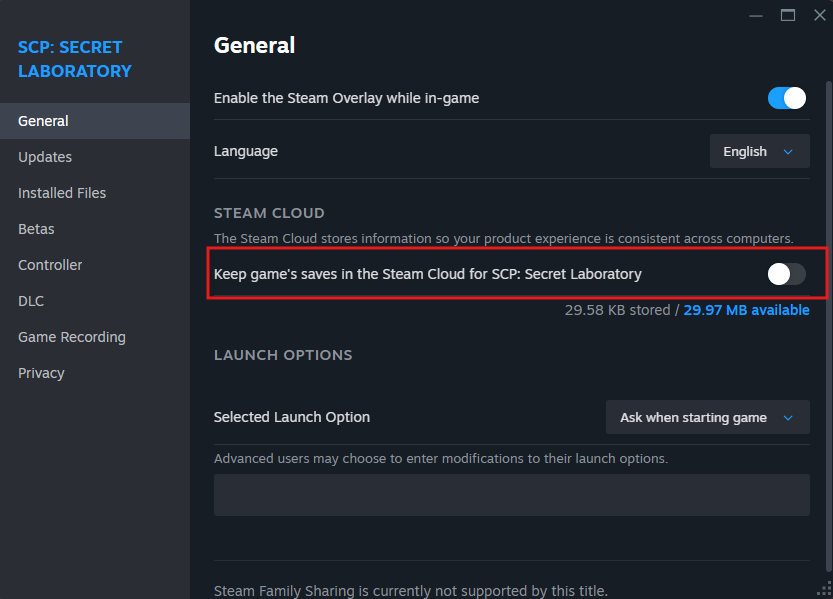
Note: You will have to delete the registry.txt file in AppData\Roaming\SCP Secret Laboratory and disable Steam Cloud for the game to prevent other versions of the file to replace over any changes.
Method 1
InWindows windowsRegistry registryVersion
Manual Way:
-
- First, you will need to make some changes:
- Turn off Steam Cloud Sync for the game: Right click "SCP: Secret Laboratory" in the steam library -> "Properties" -> "General" tab and toggle off "Keep games saves in the Steam Cloud for SCP: Secret Laboratory".
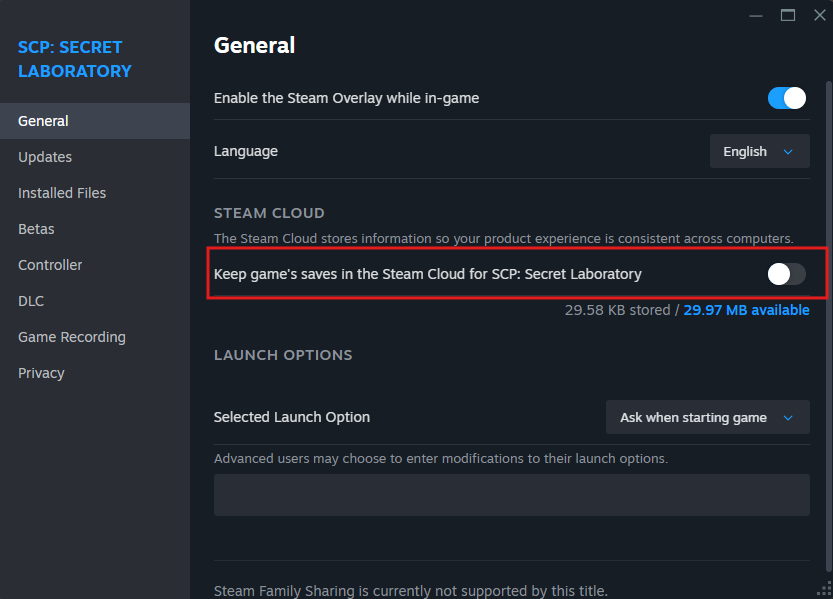
- Stay in the properties menu and navigate to "Installed Files" -> "Browse...". Find the
appdata.batand double click it, this will open another folder. Simply find and delete theregistry.txtfile.
- Stay in the properties menu and navigate to "Installed Files" -> "Browse...". Find the
- press windows button + R and enter
regedit, then click enter or "OK". - On the left side panel navigate to
Computer\HKEY_CURRENT_USER\Software\Northwood\SCPSL. - In this section you will need to change a few
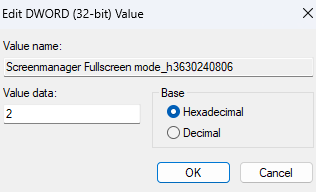
things:things (This changes the fullscreen mode, refresh rate, and resolutions to lower values):- Change
Screenmanager Fullscreen mode_h3630240806to2or3(2 is borderless window, 3 is windowed)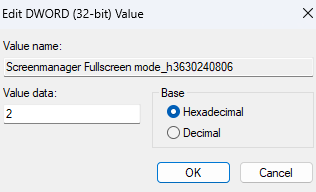
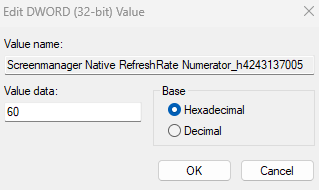
- Change
Screenmanager Native RefreshRate Numerator_h4243137005to60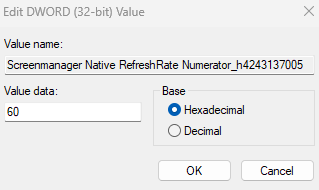
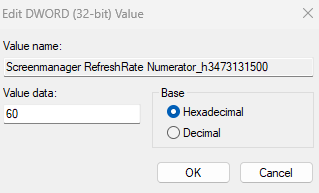
- Change
Screenmanager RefreshRate Numerator_h3473131500to60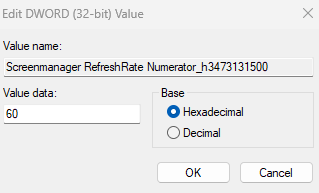
- Change
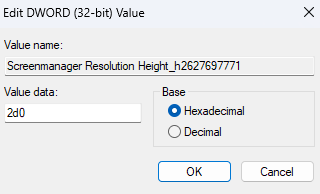
Screenmanager Resolution Height_h2627697771to2d0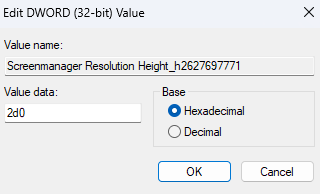
- Change
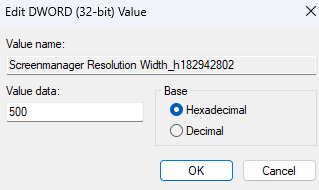
Screenmanager Resolution Width_h182942802to500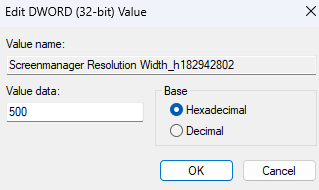
- Change
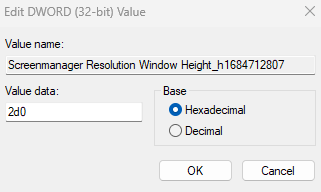
Screenmanager Resolution Window Height_h1684712807to2d0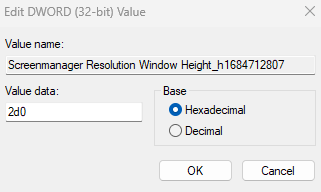
- Change
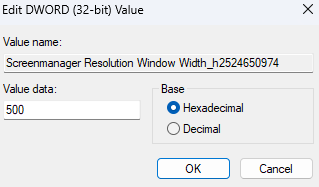
Screenmanager Resolution Window Width_h2524650974to500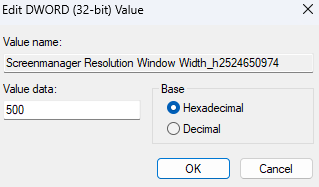
- Change
- Make sure to save changes, then restart the game.
Automatic Way:
Method 2
InAppData registry.txt
This filemethod targets the screen mode type.
- Open Steam -> Library -> find "SCP: Secret Laboratory" -> right click -> Properties -> Manage -> "Browse local files".
- Run "appdata.bat" (may just be "appdata").
- Open the "registry.txt" file.
- Search for
07UserSettings_0A50_2000::-%(|::there will be a number after::, please change it to 3 as shown below. (3 is window mode)07UserSettings_0A50_2000::-%(|::3If this line does not exist, add it.
- Try running the game, it should start in windowed mode. If it worked, feel free to change your display screen type in game but you need to avoid exclusive full screen! If that does not help, try removing everything in the registry.txt file and just adding the line above.