
Remote Admin Panel
The Remote Admin panel is a menu that helps moderators and administrators of servers in doing their job. A player must be authorised by the owner to use any of the Remote Admin features.
Welcome Page
The welcome page is the first page a player will see when opening the Remote Admin. Its simple purpose is to explain to the player how the menu is used and navigated.
ffsgfg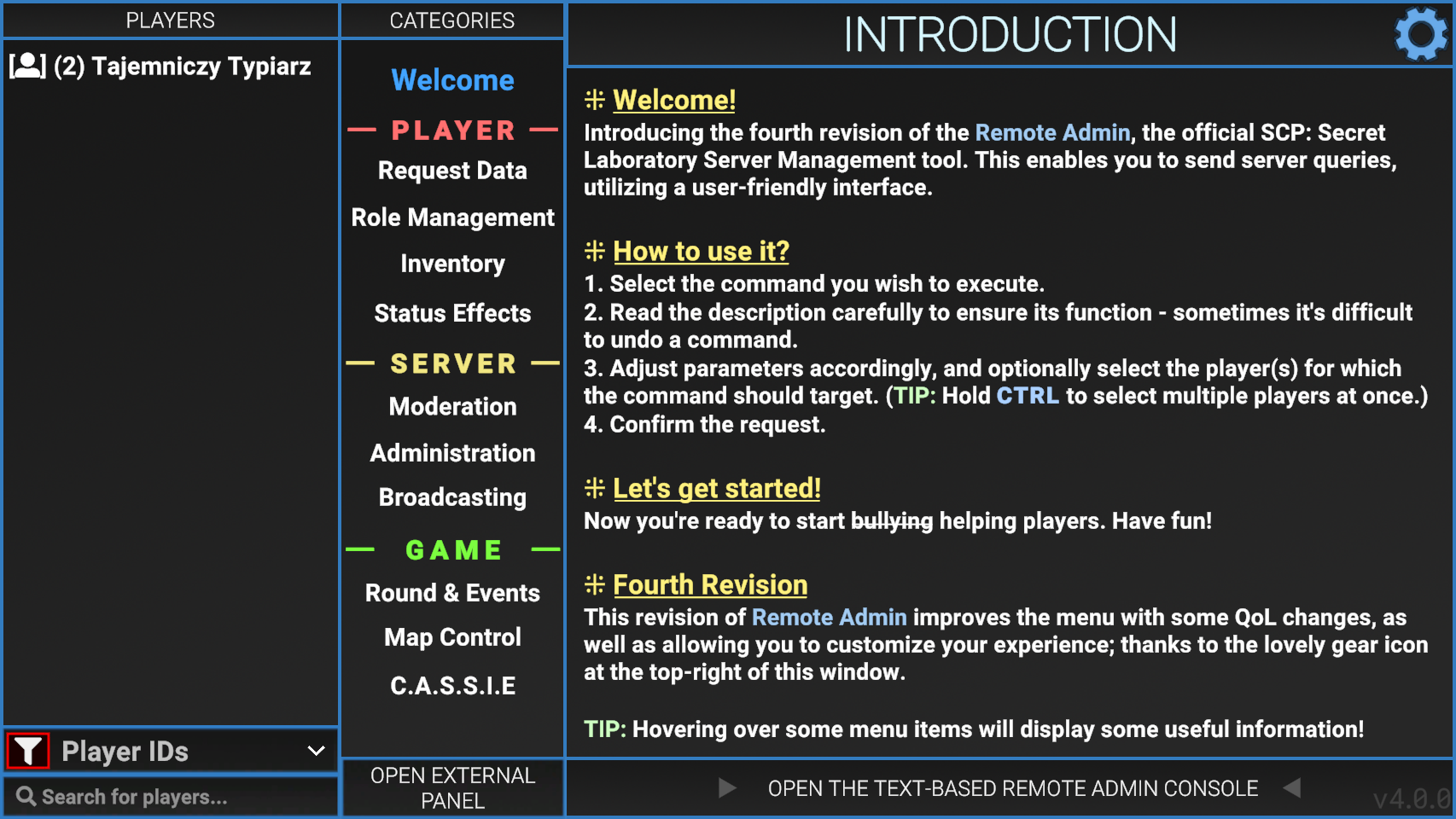
Player Info
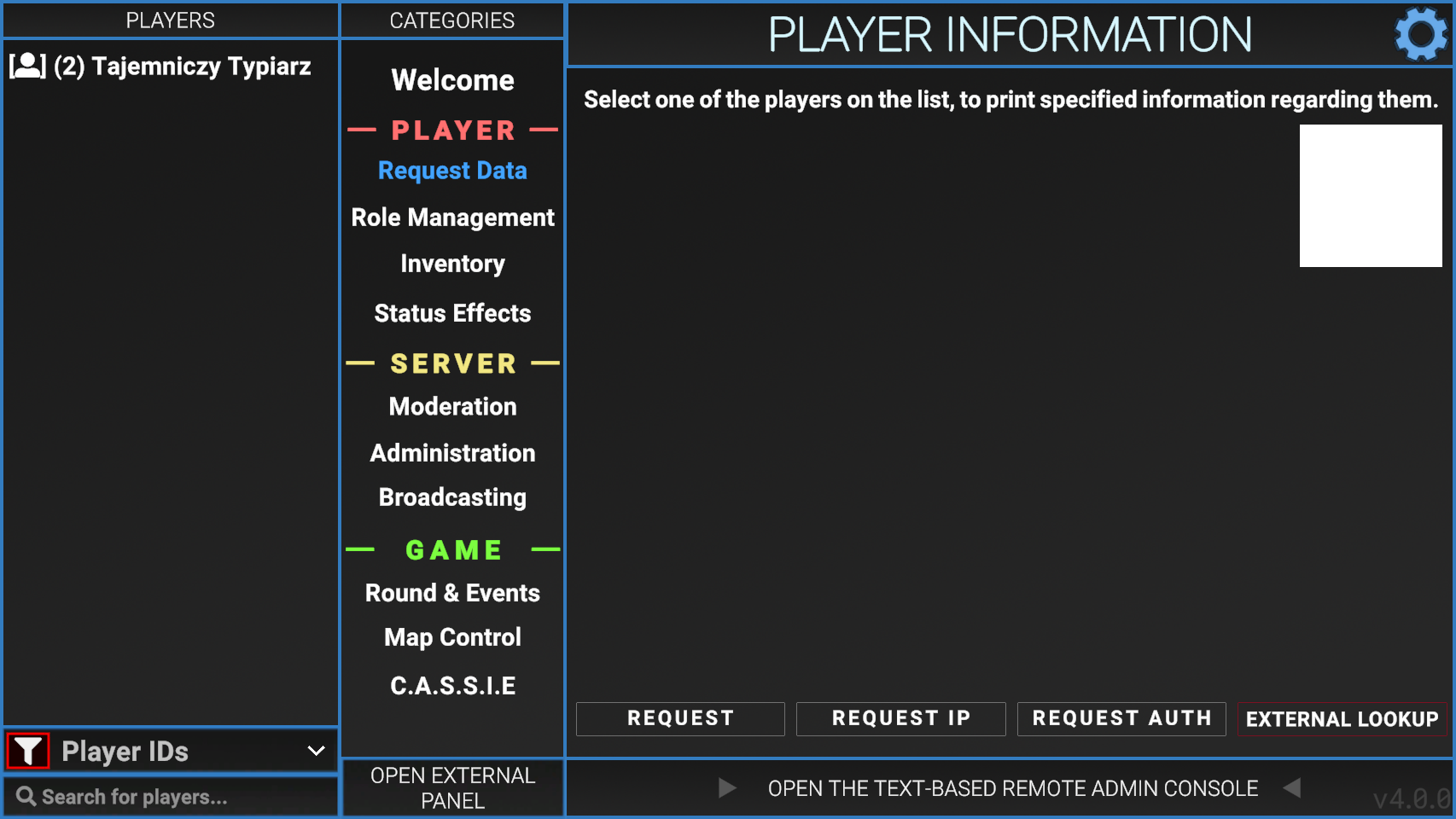
The Player Info tab has 3 buttons (as of version 2.0.2), these being; Request, Request IP and Request Auth.
Usage
Request
Request IP
Similar to "request", but includes IP address used by the player to connect to the server. This can be used to find people using alternative accounts to bypass bans.
Request Auth
Shows the players authentication token along with a QR code.
Kick/Ban
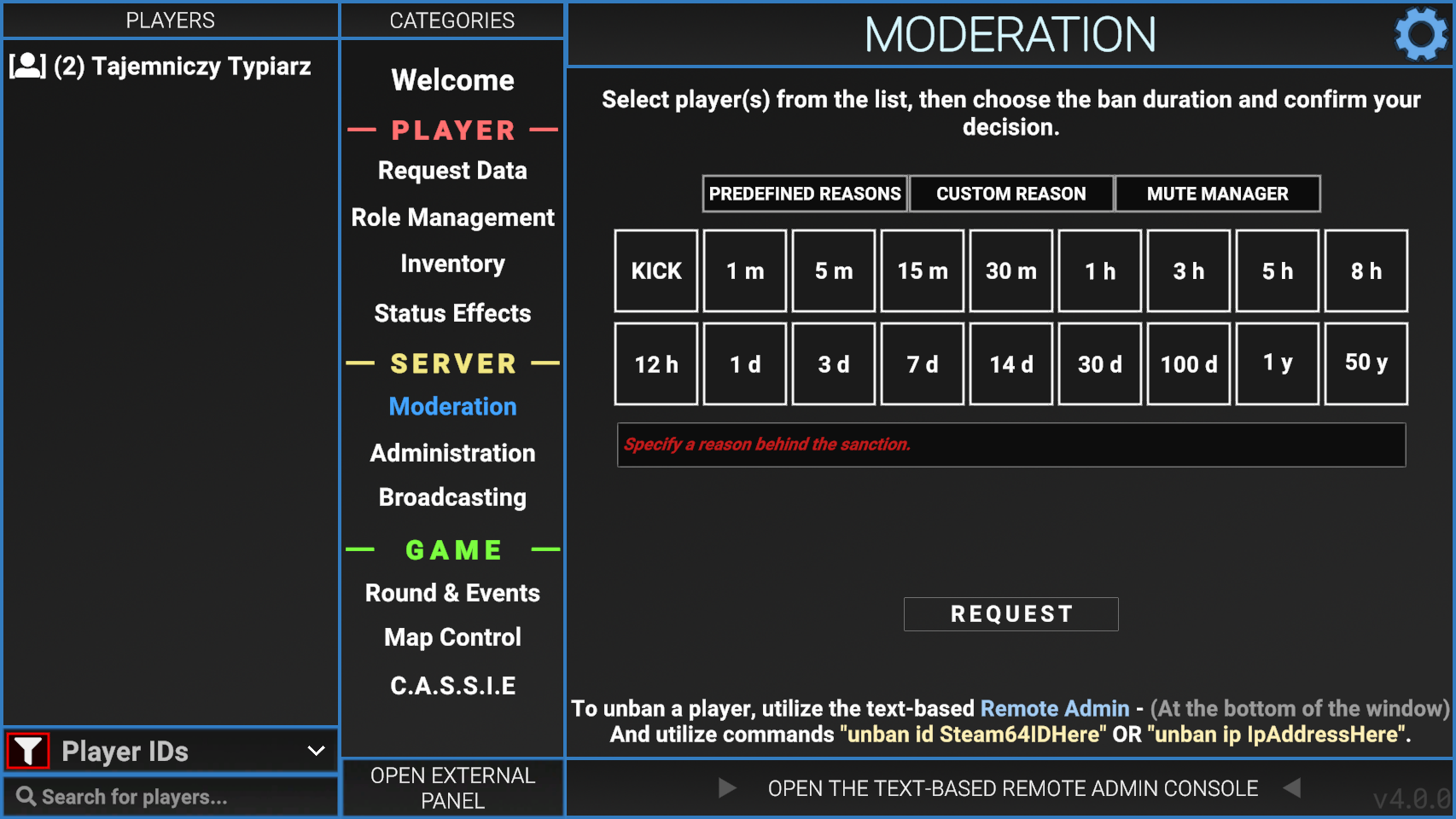
Admin tools allow moderators and administrators of servers to easily perform tasks without typing out commands.
Usage
Forceclass
Allows the user to change the current class of any player. Select a player or multiple, click the desired class, then hit the SET CLASS button. Force Class is the only way to make someone spawn as Tutorial, SCP-3114 and Filmmaker without the use of plugins.
