
I am getting a HTTP Response: Internal Server Error on the server list!
You may encounter this error on the server list as shown:
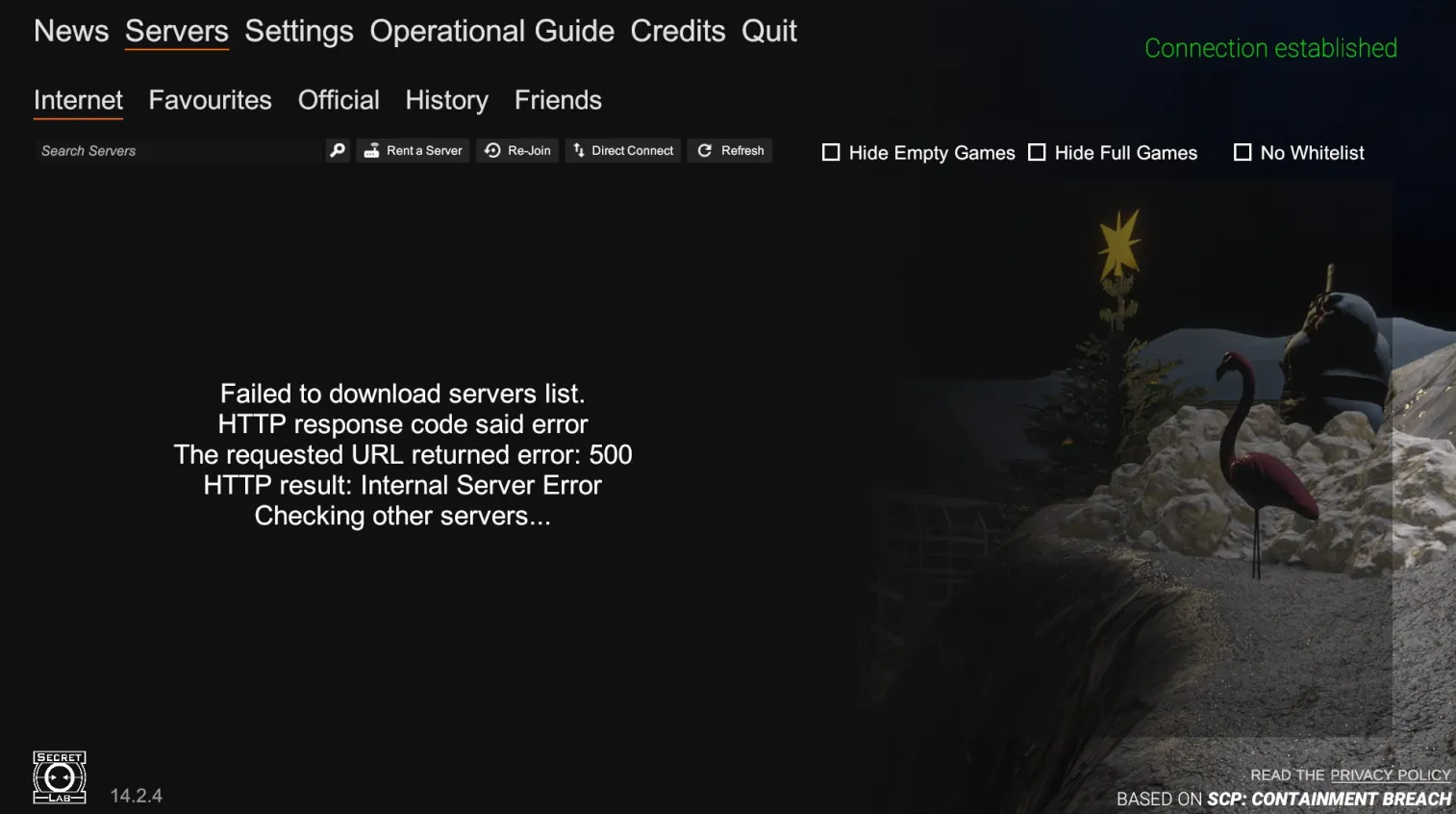
One of the reasons it may appear is because SCP:SL's servers does not have your IP Address in it's geolocation database, therefore not making it possible to connect to it.
You may try the protentional solutions below:
IPv4 Launch Argument
It involves a launch argument telling the game to exclusively use your IPv4 IP Address, if available. You may configure these options by following the steps below:
1. Go to your Steam Library and right-click SCP: Secret Laboratory > Properties.
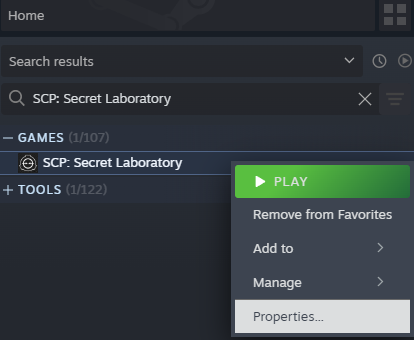
2. The properties window will open in the "General" tab, here you will find the "Launch Options" section. Here you will need to type:
--ipv4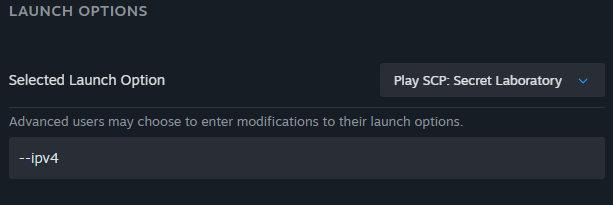
Changes here are saved automatically, so you may close the properties window after inputting the launch option and see if it fixes your issue.
Using VPN to play SCP:SL
This solution involves using a VPN to play on SCP:SL game servers. Ideally you should not need to do this, however some issues might be out of our control (ISP, hardware, etc. failure) often require a VPN to get around.
We have a page on our Wiki regarding VPNs here.
Please note, some game servers may disallow connections from players that use VPNs to play. Most of these servers have processes in place to whitelist you and let you play with one. We are unable to assist with this process.
If these solutions have not solved your issue, please contact our Technical Support team on the Official SCP:SL Discord server.
More information on how to do this here.